Scanner
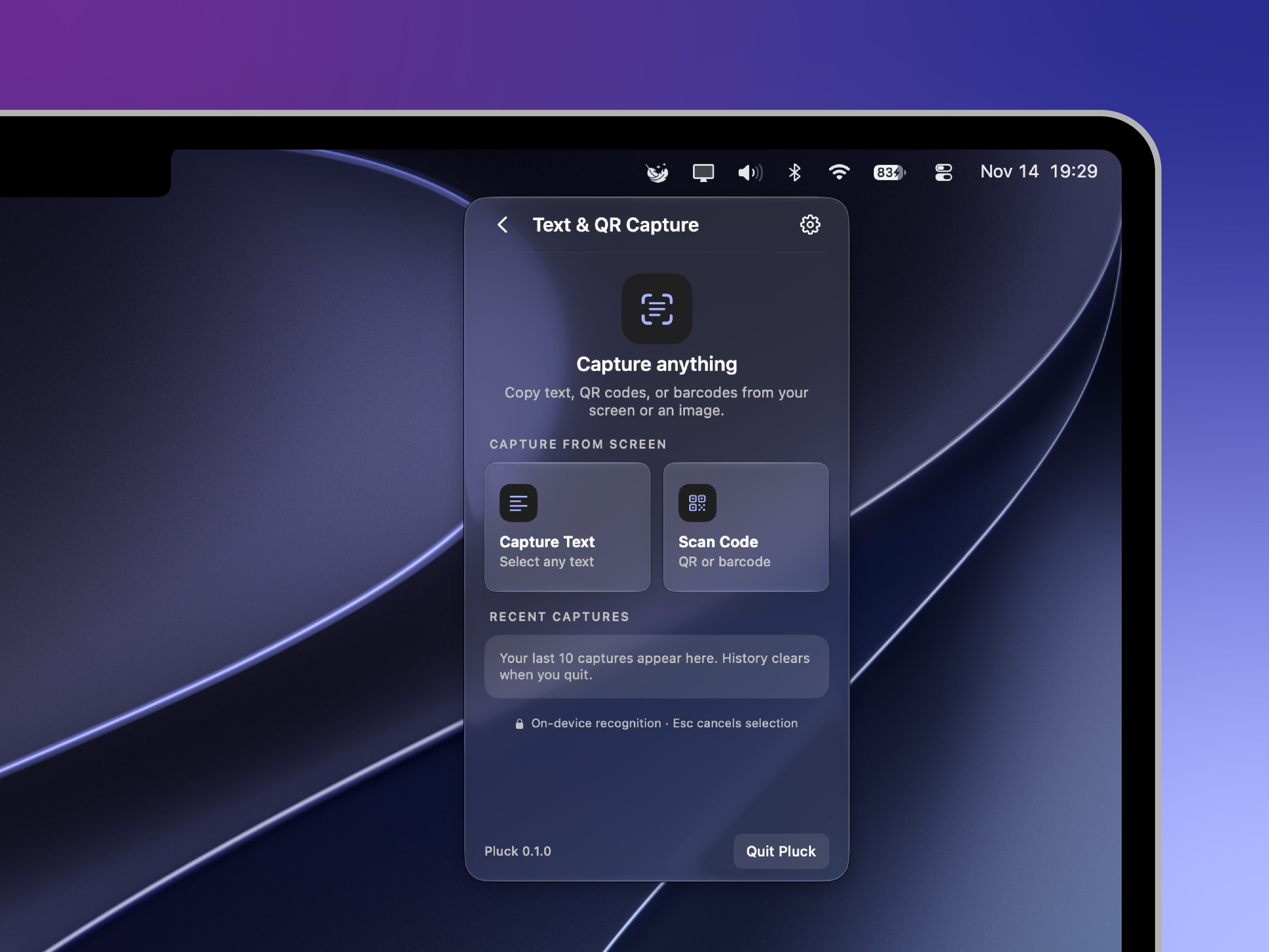
Read text, QR codes, and barcodes from images.
- Capture a selected screen area
- Recognize text from chosen image files
- Copy, export, or read recognized text
- Revisit recent captures during your session
Your everyday toolkit
 Pluck.
Capture text, pick colours, keep awake, and clean up your clipboard.

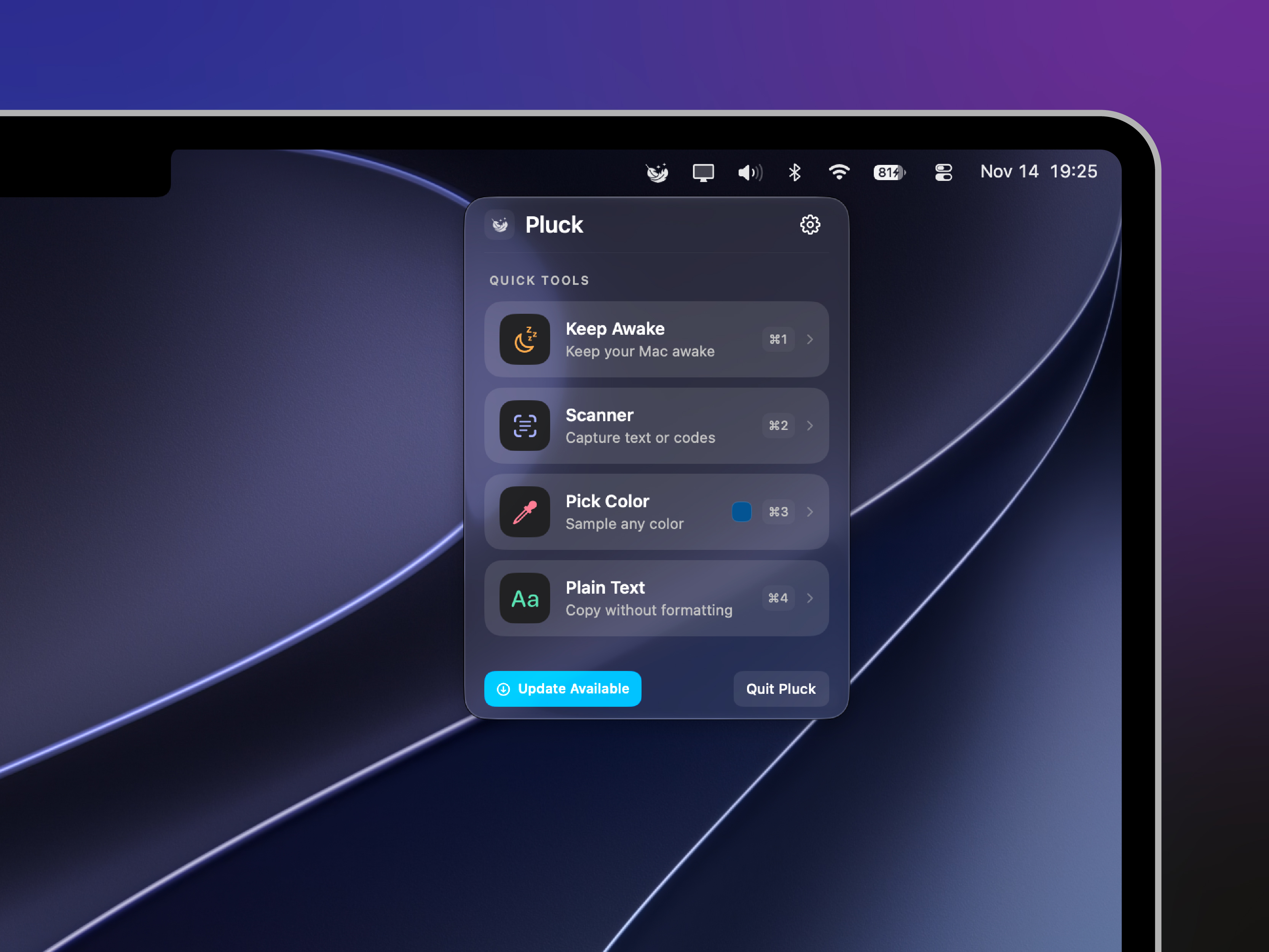
Read text, QR codes, and barcodes from images.
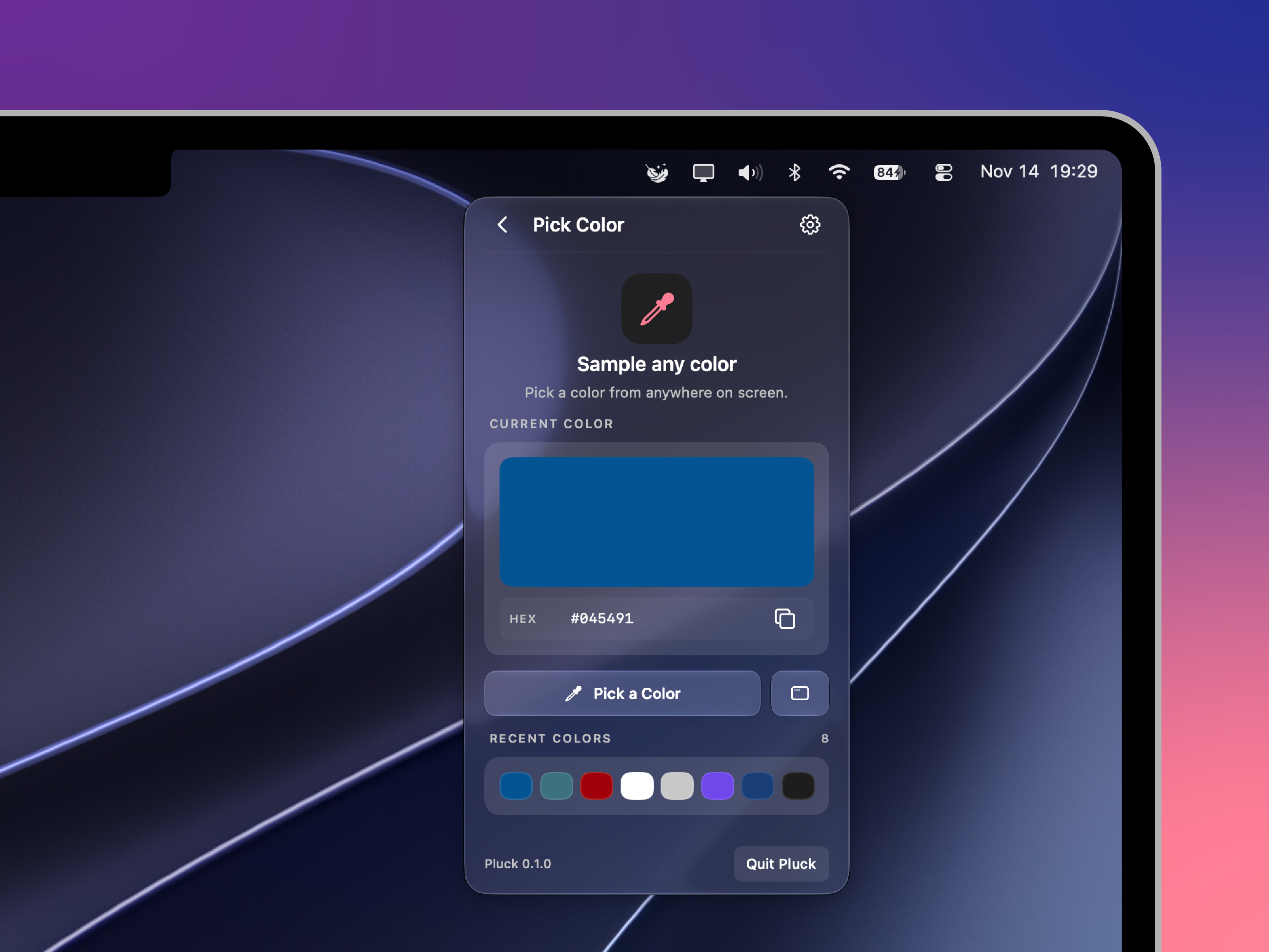
Pick a screen colour and save your favourites.
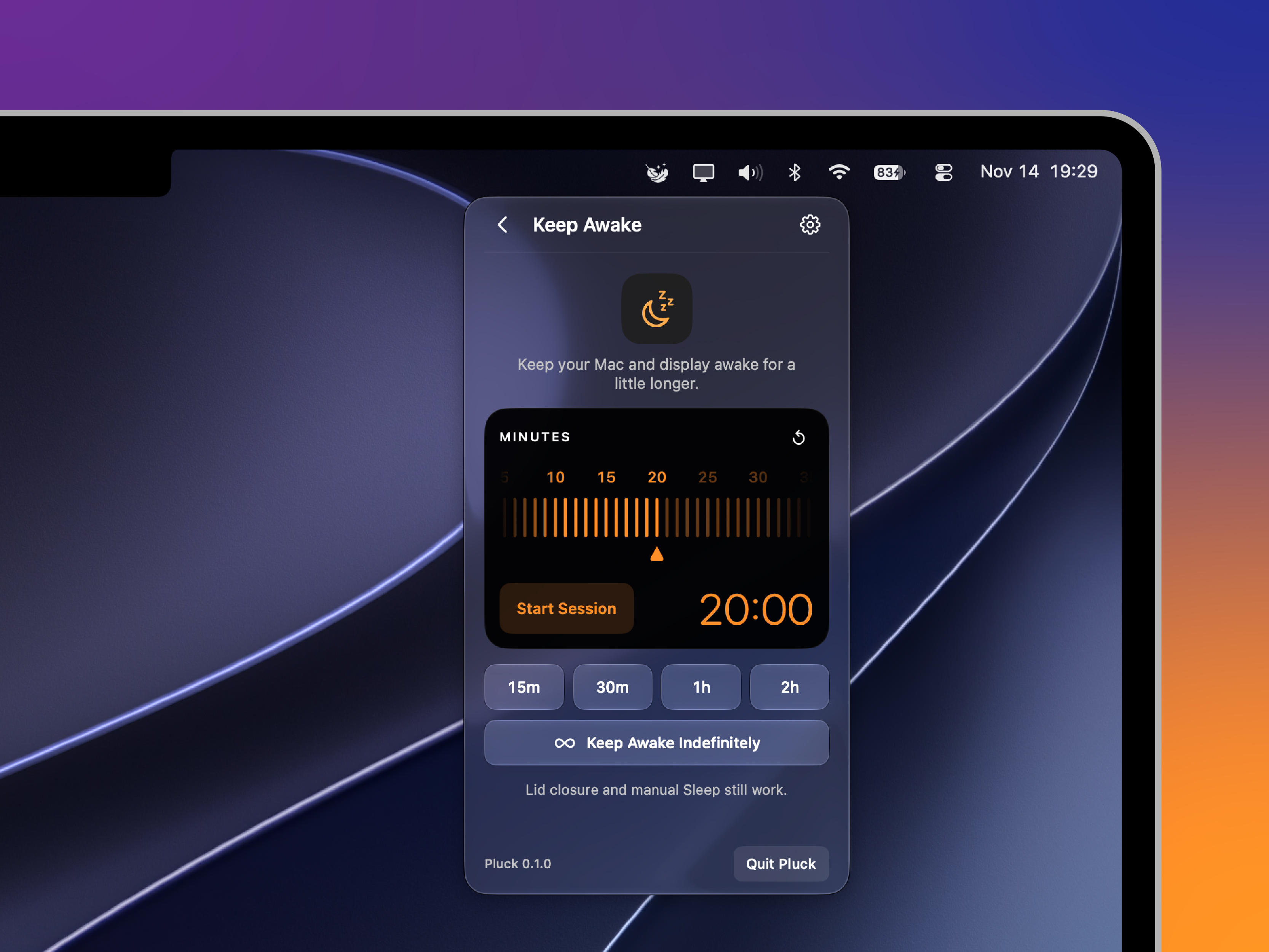
Keep your computer awake for as long as needed.
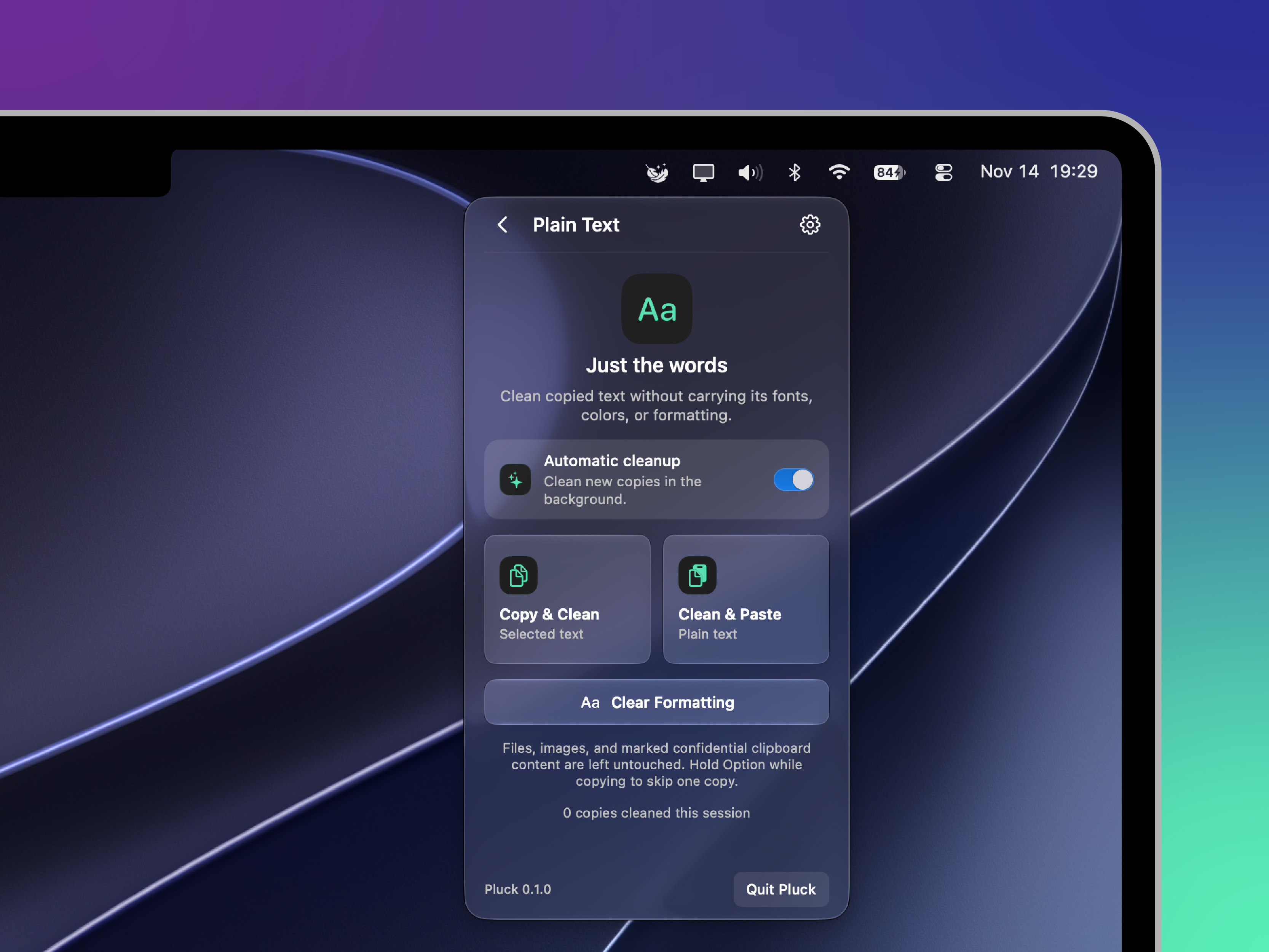
Keep the words. Leave the formatting.
Set up shortcuts and preferences your way.
Captures, colours, and clipboard cleanup stay on your device.
No. Text and code recognition run on your device. Opening a recognized link is a separate, optional action that contacts the destination.
Yes. Pluck includes configurable shortcuts and feature-specific preferences. Available actions can vary between Mac and Windows.
Only when you enable it, and according to your settings and app exclusions. Manual cleanup is available when you prefer to choose each time.
The Windows edition is listed as Pluck Utilities in Microsoft Store. Check its listing for current purchase and trial details. Pluck for Mac is coming soon.
Read how Pluck handles information on each platform.
Capture text, pick colours, keep awake, and clean up your clipboard.
Available from Microsoft Store. macOS coming soon.