
← All apps

A finishing touch for your artwork

Finito.

From first look to final export.

Review, edit, and export artwork in one Mac workspace.

Release notes & downloads on GitHub

macOS 14+ · Apple silicon · Current GitHub build is not notarized
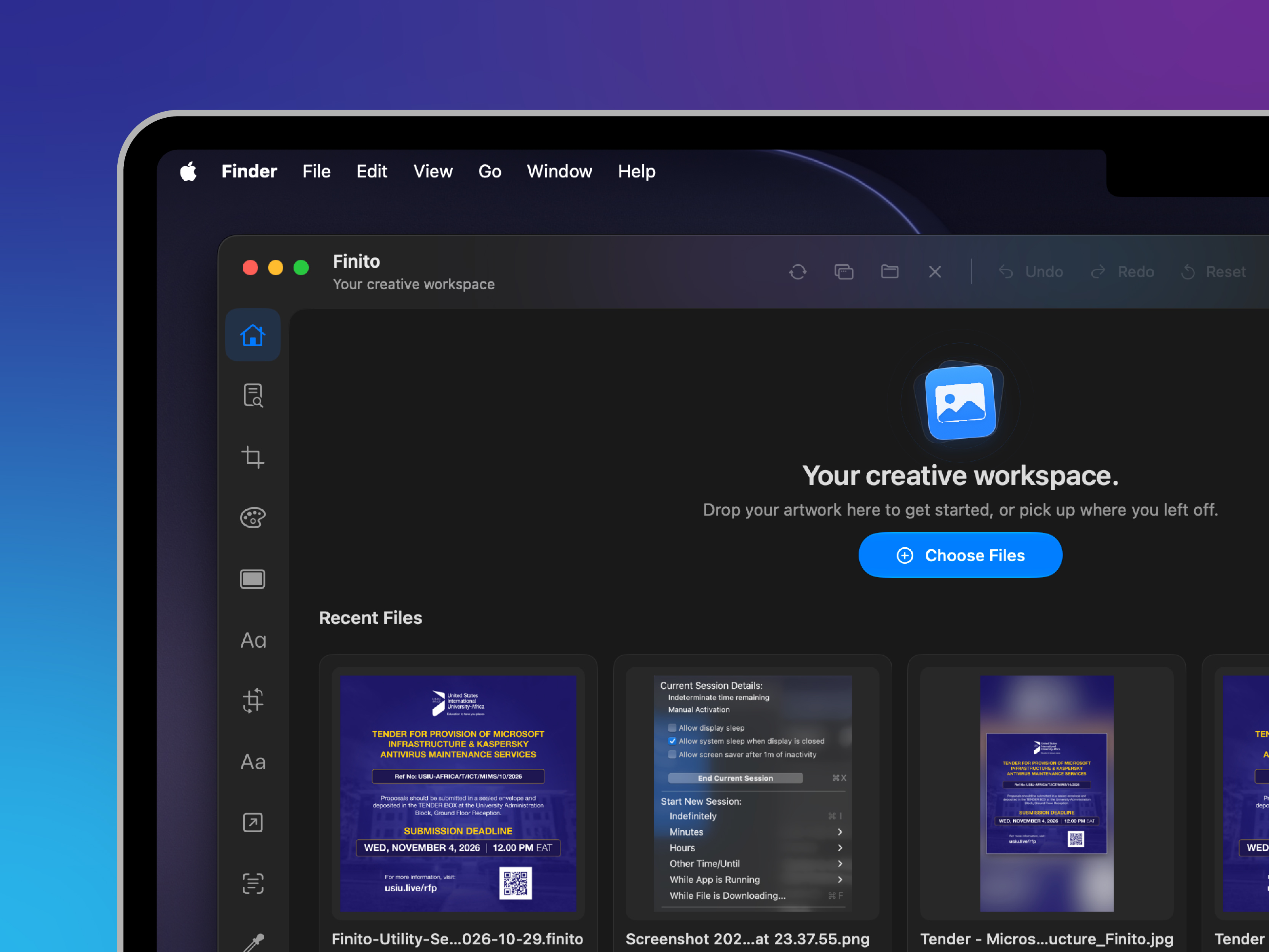
Finito application preview
What it does

Everything between open and export.

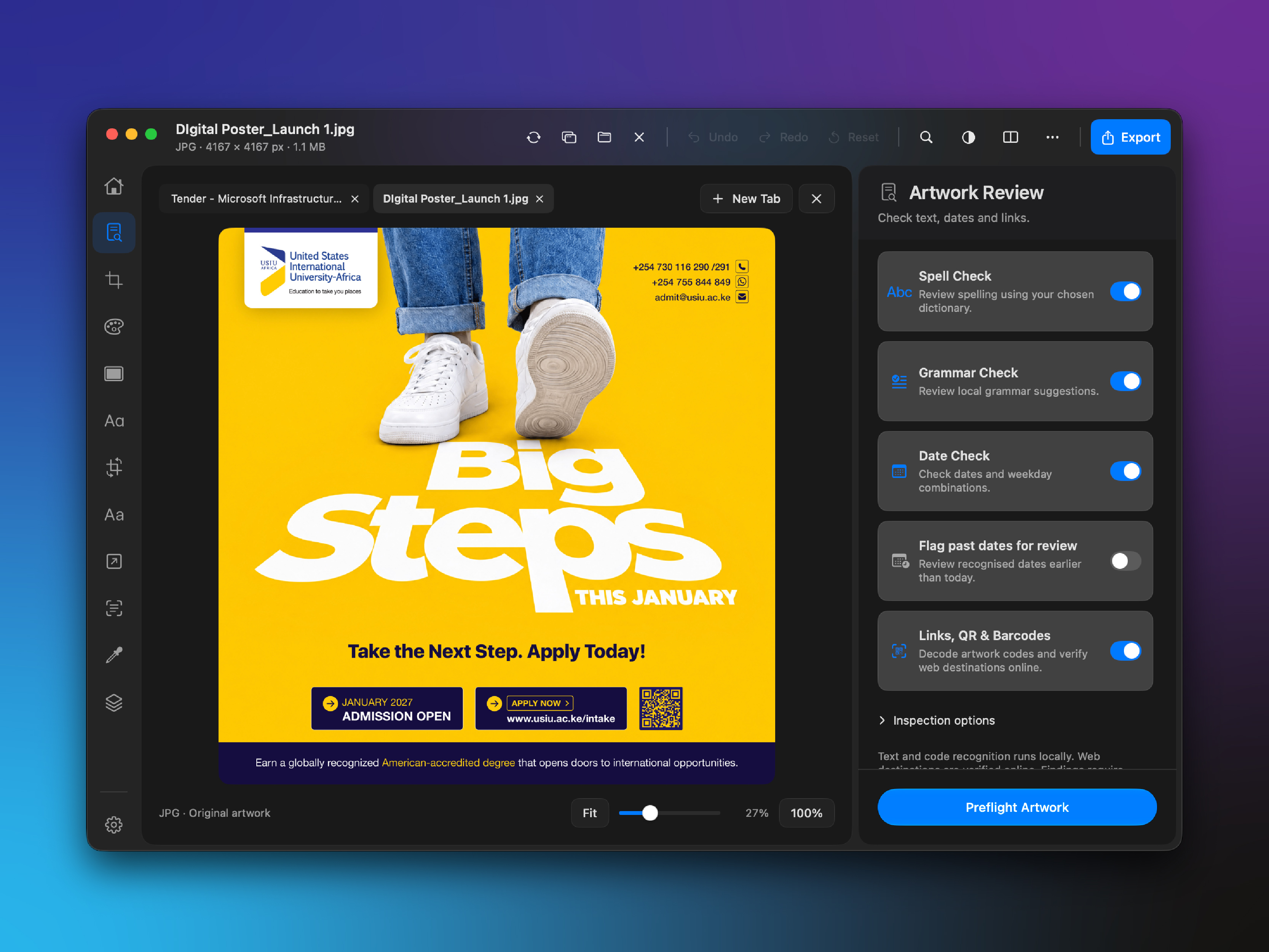
Finito: Artwork review

Artwork review

Check the details before sharing.

  • Spelling, grammar, and date checks
  • OCR-assisted text review
  • QR and barcode inspection
  • Link checking with destination requests
  • Exportable review reports
Finito: Crop and rotate

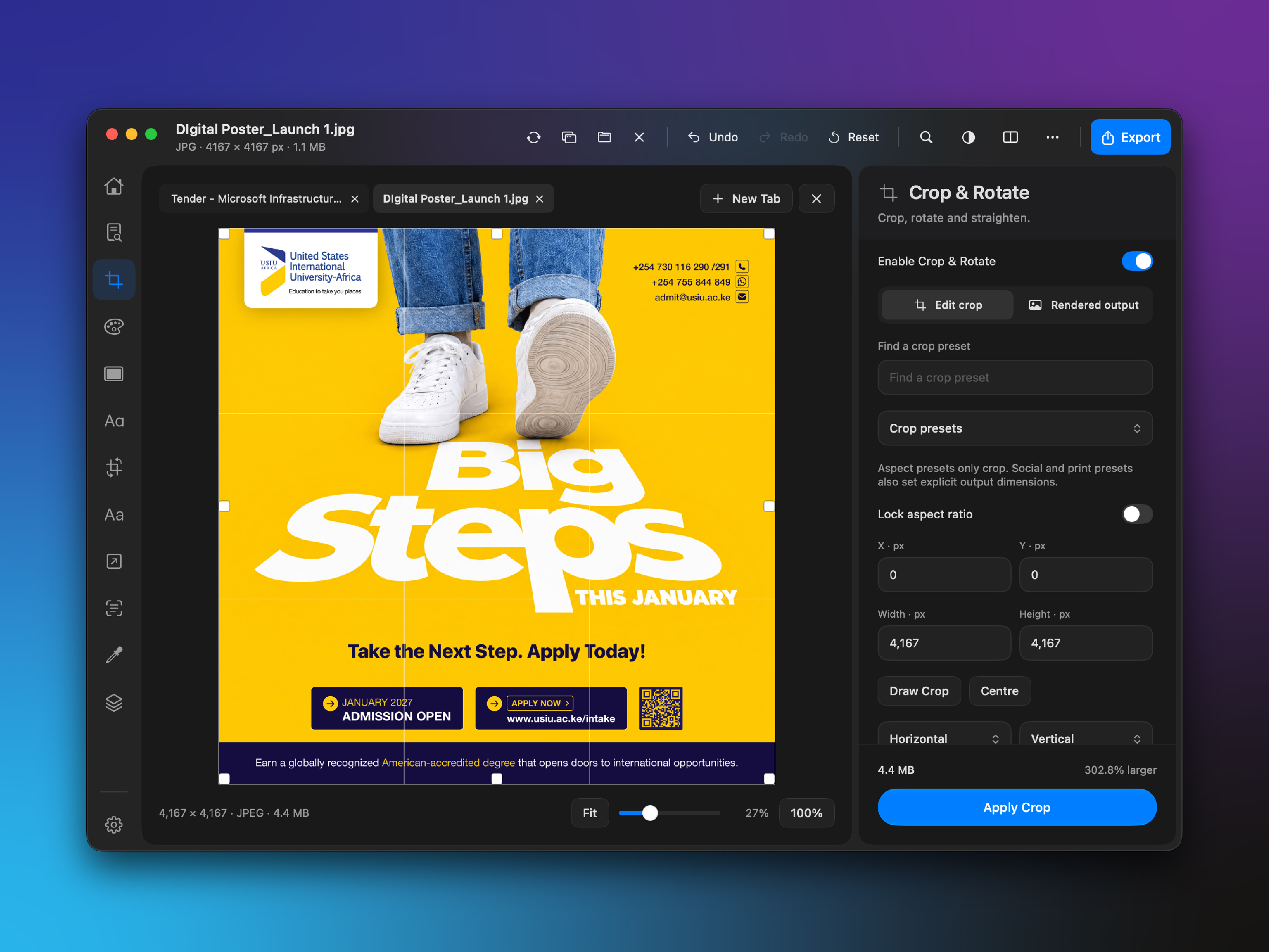
Crop and rotate

Frame your artwork, just right.

  • Free and locked crop ratios
  • Rotation, straightening, and flips
  • Social, print, and custom crop presets
Finito: Colour and tone

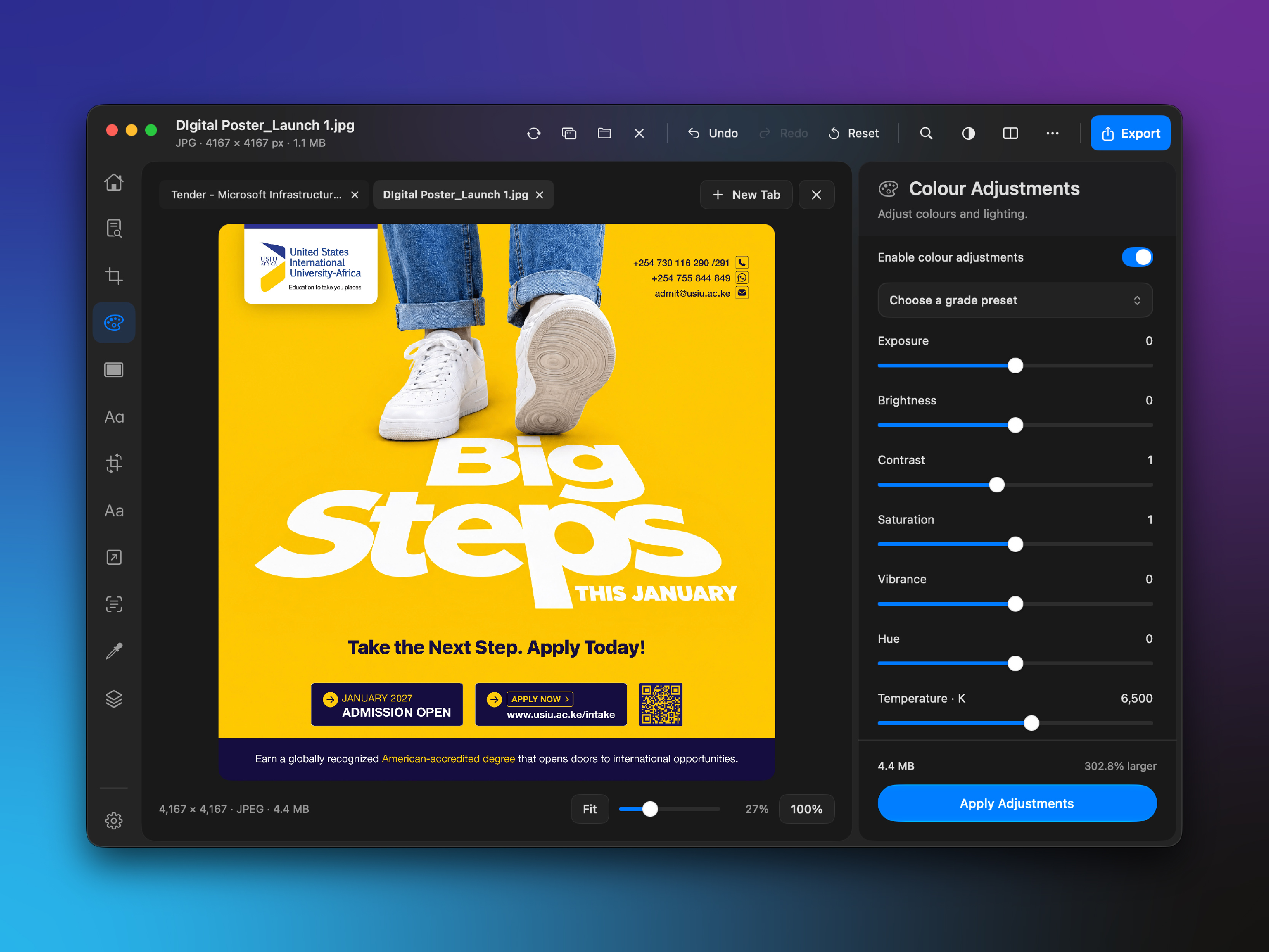
Colour and tone

Fine-tune colour, light, and texture.
  • Exposure, contrast, saturation, and vibrance
  • HSL and black-and-white mixers
  • Master and per-channel curves
  • Tonal wheels, vignette, grain, and colour balance
  • Presets and original-versus-edit comparison
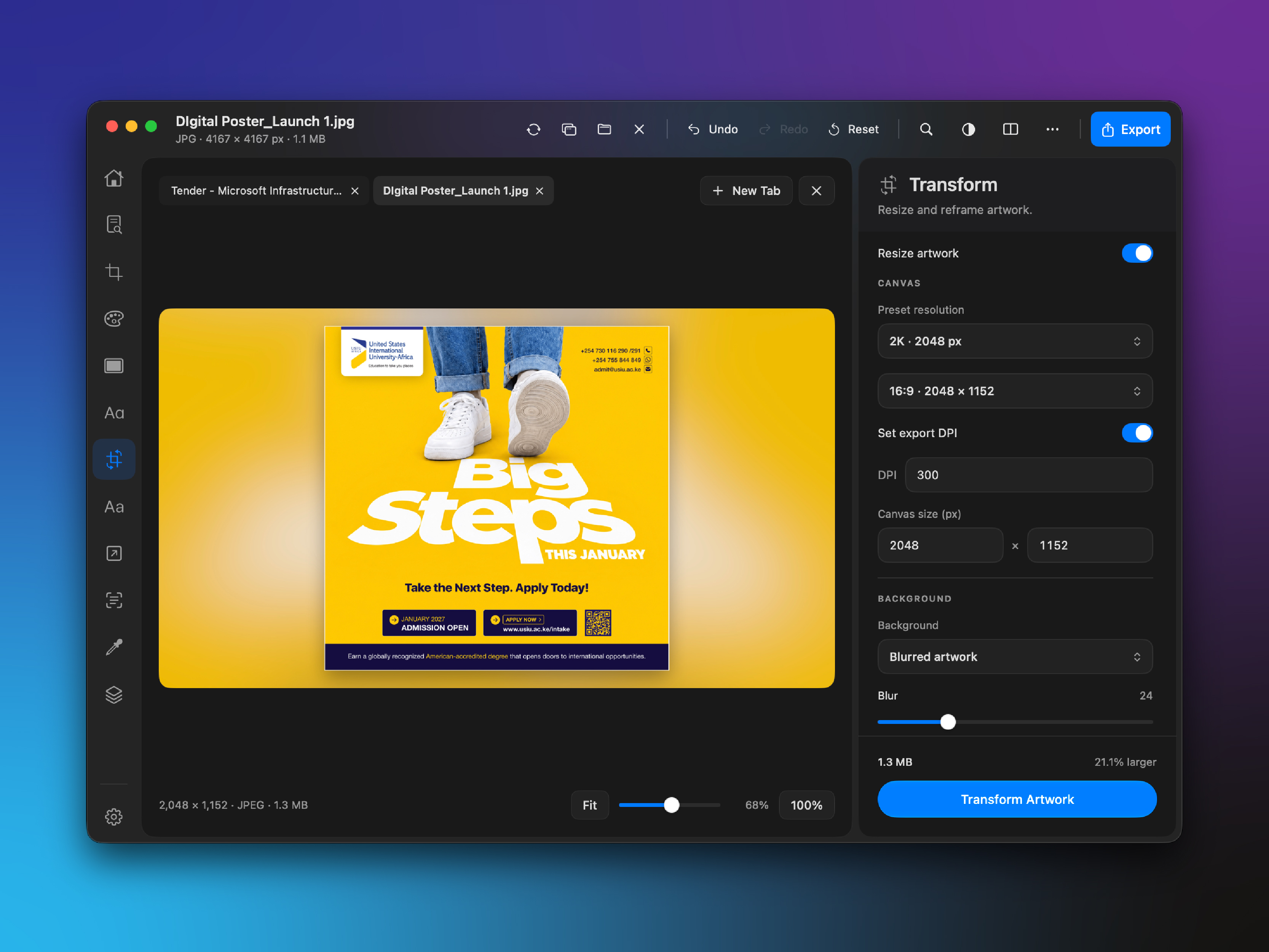
Finito: Resize and reframe

Resize and reframe

Give your artwork the right canvas.

  • Canvas sizing and output dimensions
  • Fill and background tools
  • Export DPI settings
Finito: Redaction and watermarks

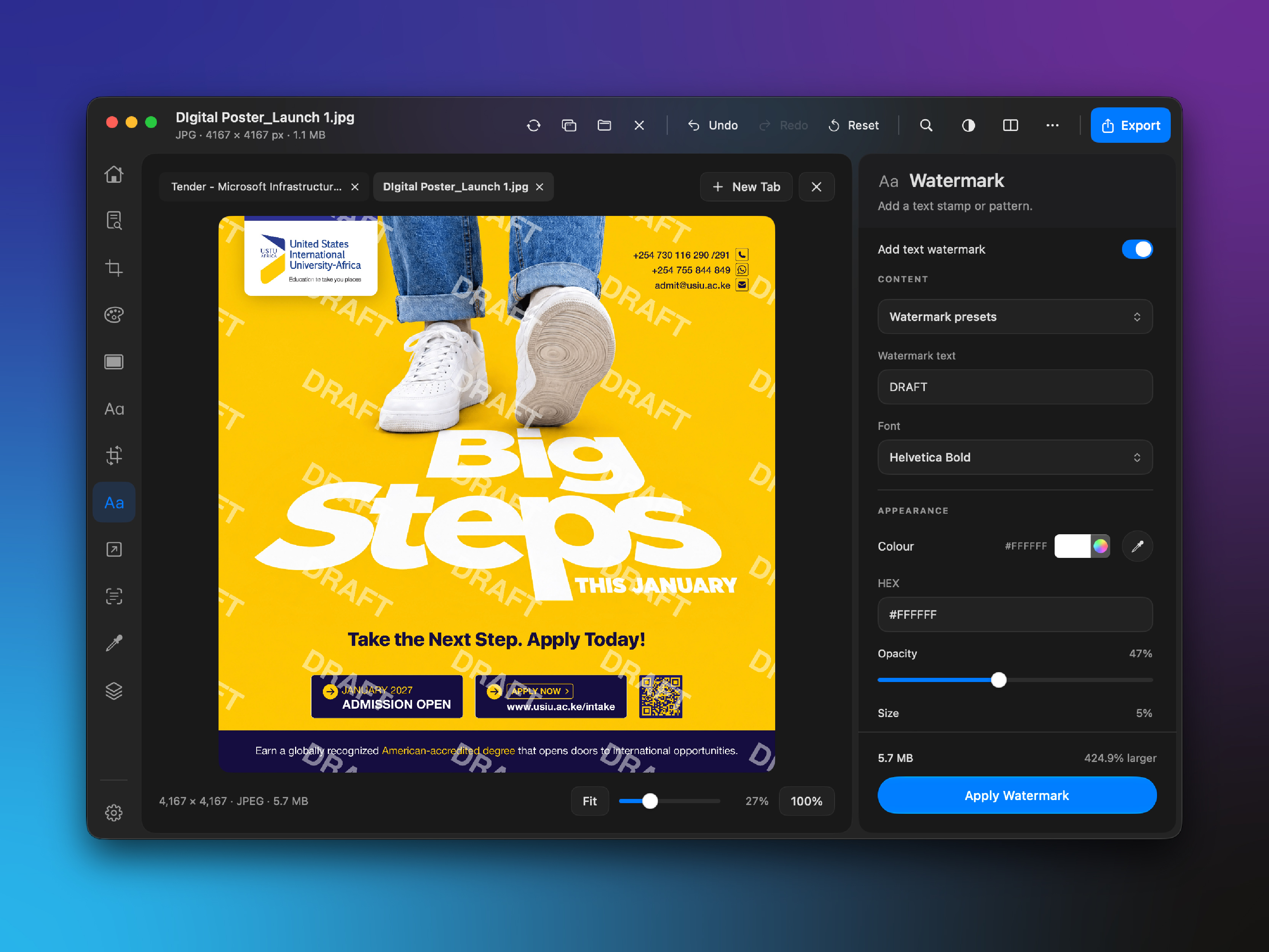
Redaction and watermarks

Conceal details or mark your work.

  • Editable redaction shapes
  • Blur, pixelation, fills, and concealment patterns
  • Opaque permanent redaction for flattened exports
  • Watermark placement, repetition, and presets
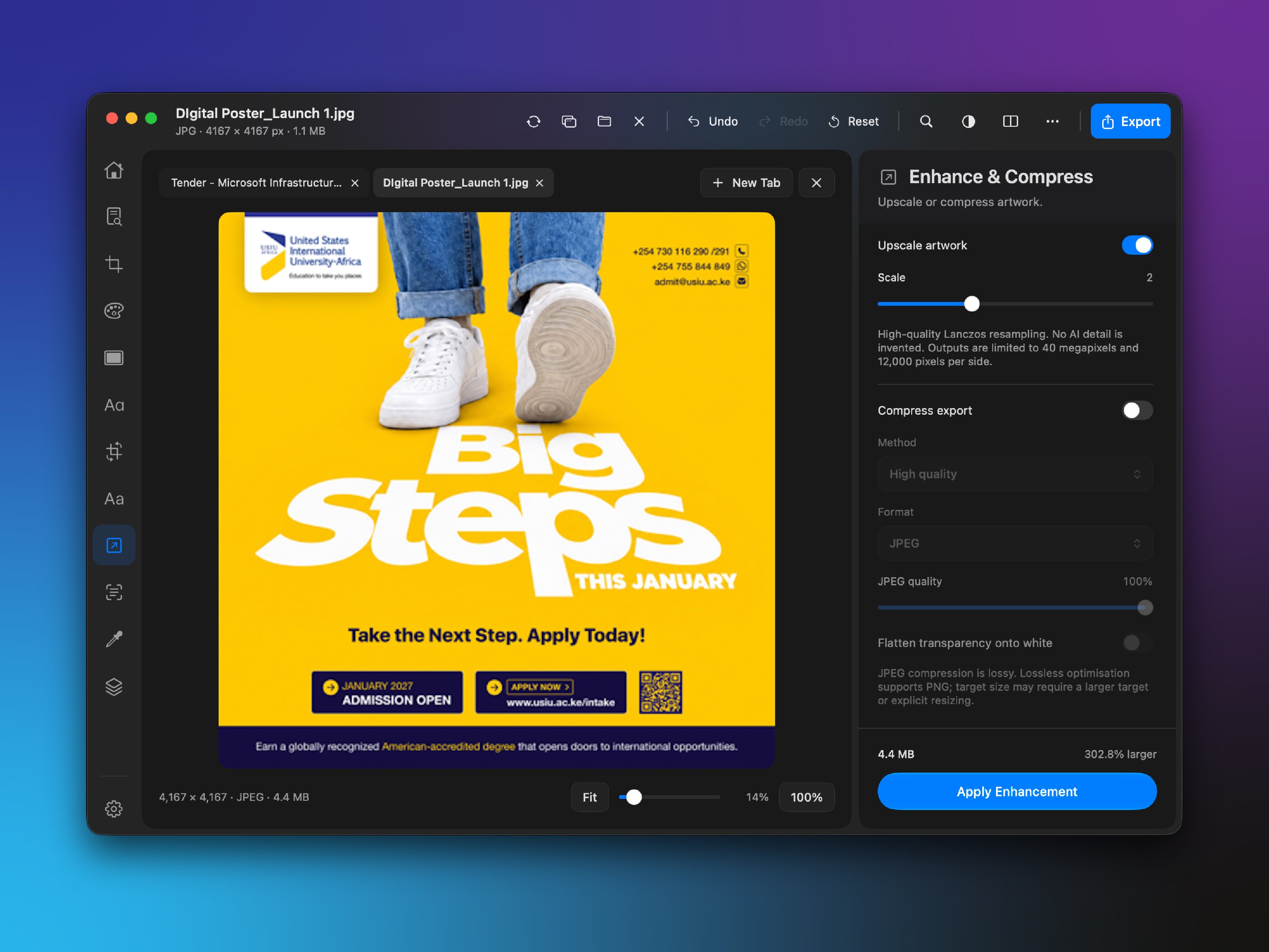
Finito: Cleanup and enhancement

Cleanup and enhancement

Clean up images and signatures.

  • Foreground and background cleanup
  • Signature colour removal and recolouring
  • Erase and restore brushes
  • Lanczos upscaling
  • Explicit JPEG compression and target-size controls
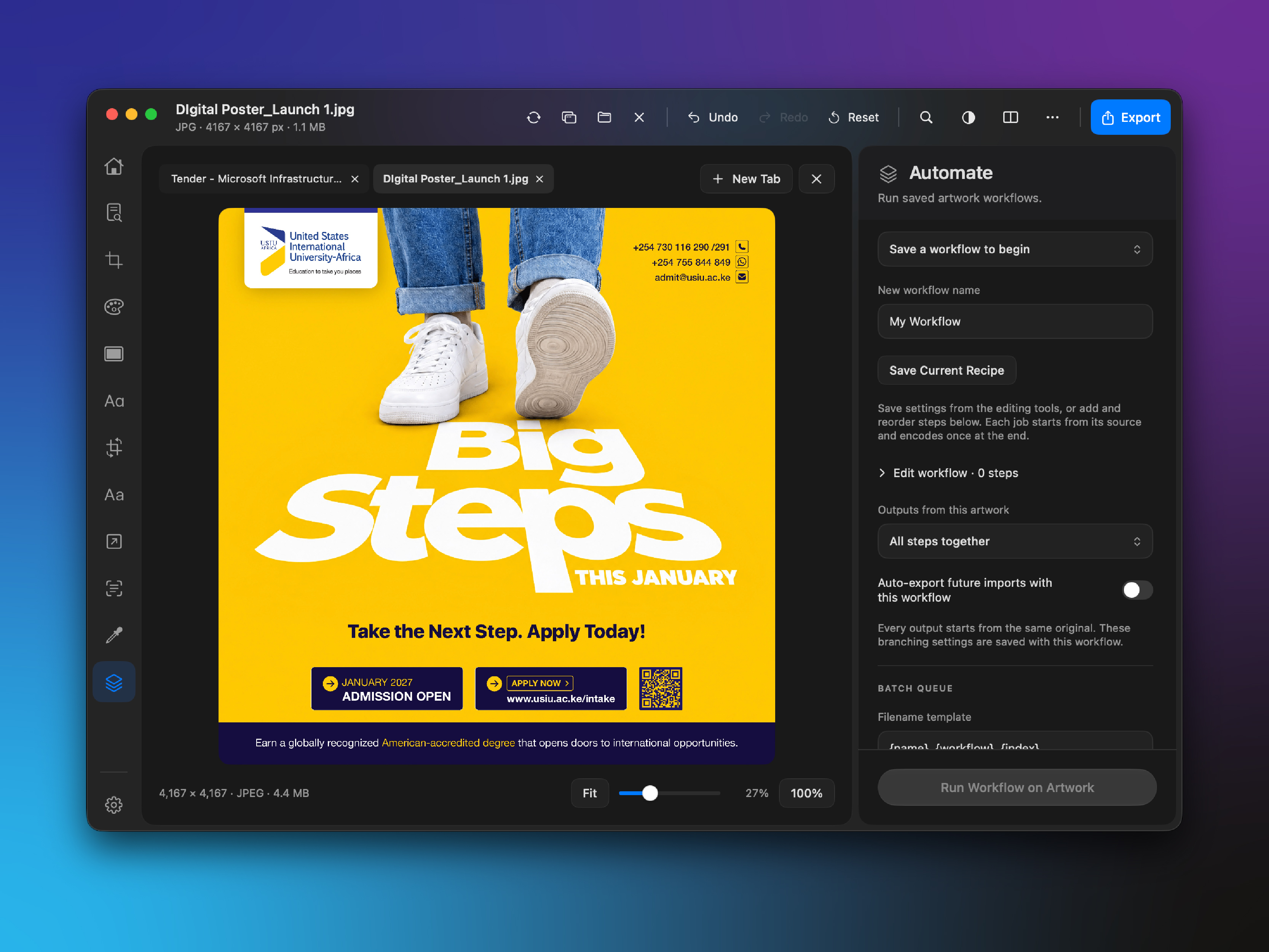
Finito: Repeat useful workflows

Repeat useful workflows

Save a workflow. Run it again.

  • Ordered editing recipes
  • Batch processing queues
  • Watched folders
  • Multiple output branches
  • Saved presets and automatic export options

Text, images, and layers

Add text and images to your composition.

  • Text and placed-image overlays
  • Font, fill, stroke, and shadow controls
  • Curved and path-based text
  • Transforms, opacity, and layer ordering
  • Groups, visibility, locks, and duplication

Projects and export

Save editable work. Export the finished image.

  • Save and reopen .finito projects
  • PNG and JPEG image export
  • Transparency, DPI, and colour-space options
  • Original-byte copies for unedited files
  • Metadata controls and native save dialogs
A few things to know

Questions, answered.

Can I download Finito now?

Yes. The direct-download Mac build is available from the public GitHub Releases page. Check the release notes for its current version, requirements, and installation details. The Mac App Store edition is coming soon.

Does Finito upload my artwork?

Image editing and text recognition run on your Mac. Online link review contacts the URLs being checked, and update checks contact GitHub. See the privacy policy for details.

Are editable projects safe to share after redaction?

Editable .finito projects retain the original artwork. For concealment, use the permanent-redaction tool, export a flattened image, and review the exported result before sharing it.

Is the GitHub build notarized?

The current direct-download build is ad-hoc signed and is not notarized by Apple. This is separate from a future Mac App Store release.

Your information

Privacy, in plain sight.

Read how Finito handles information on each platform.

Give your artwork its finishing touch.

Review, refine, and finish artwork in a native Mac workspace.

Download on GitHub
Platform
macOS
Requires
macOS 14 or later
Architecture
Apple silicon

Available from GitHub Releases. Mac App Store coming soon.